Custom icons
What is it for?
To customize the interface for specific business requirements.
Currently, replacement of location icons is available.
How to apply
-
Upload the custom icons in the Studio settings — they apply to all experiments within one account.
-
In the dataset, specify the icon name in the location attribute.
Attribute example:
{
    "key": "ICON_NAME", # reserved attribute key
    "value": "storage"  # name of the icon used for display
}
Example
1. Download the icons
Save the icons with the matching names (warehouse.svg, storage.svg).
2. Open the account settings
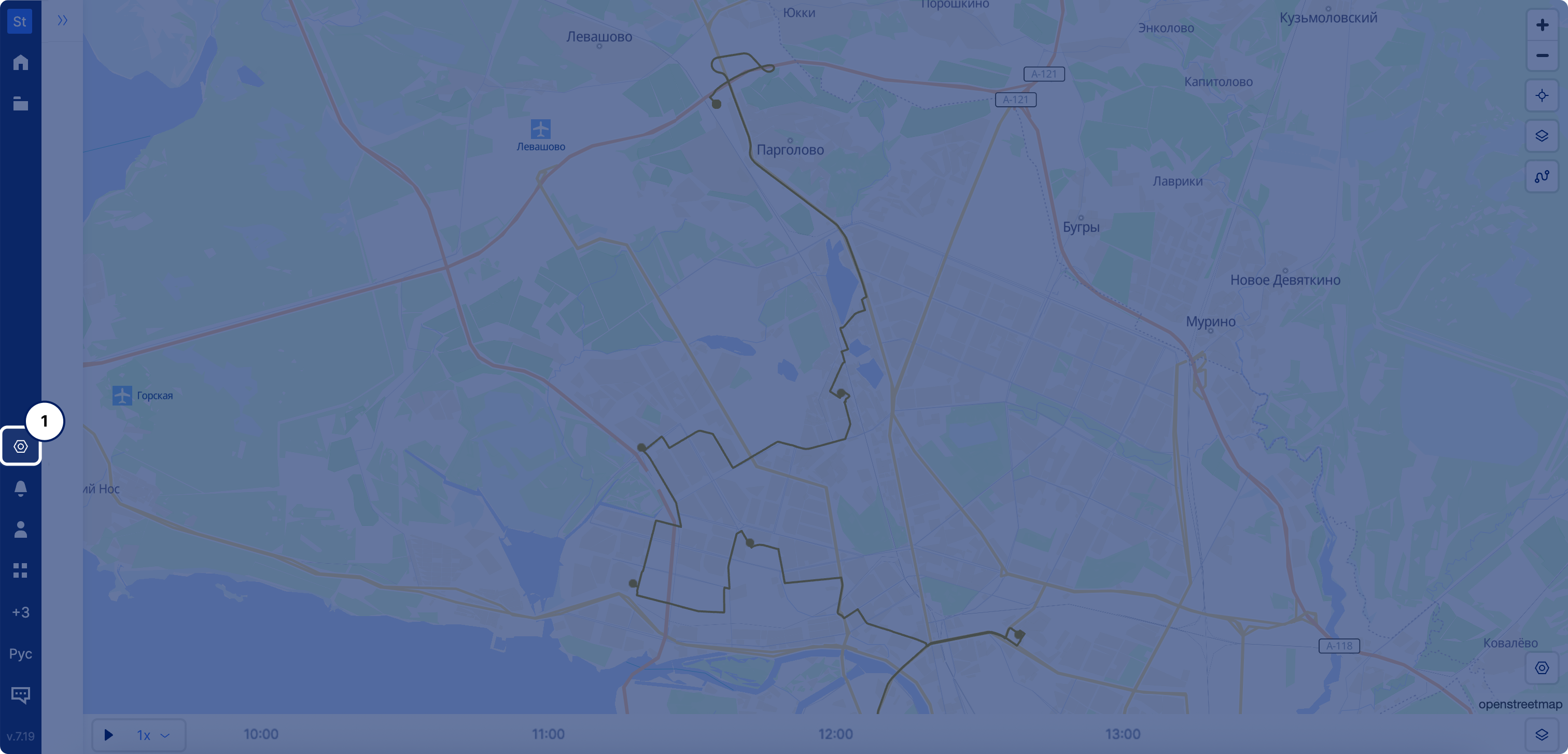
3. Upload the icons
In the icon settings menu, upload the downloaded icons with the upload button, then click save.
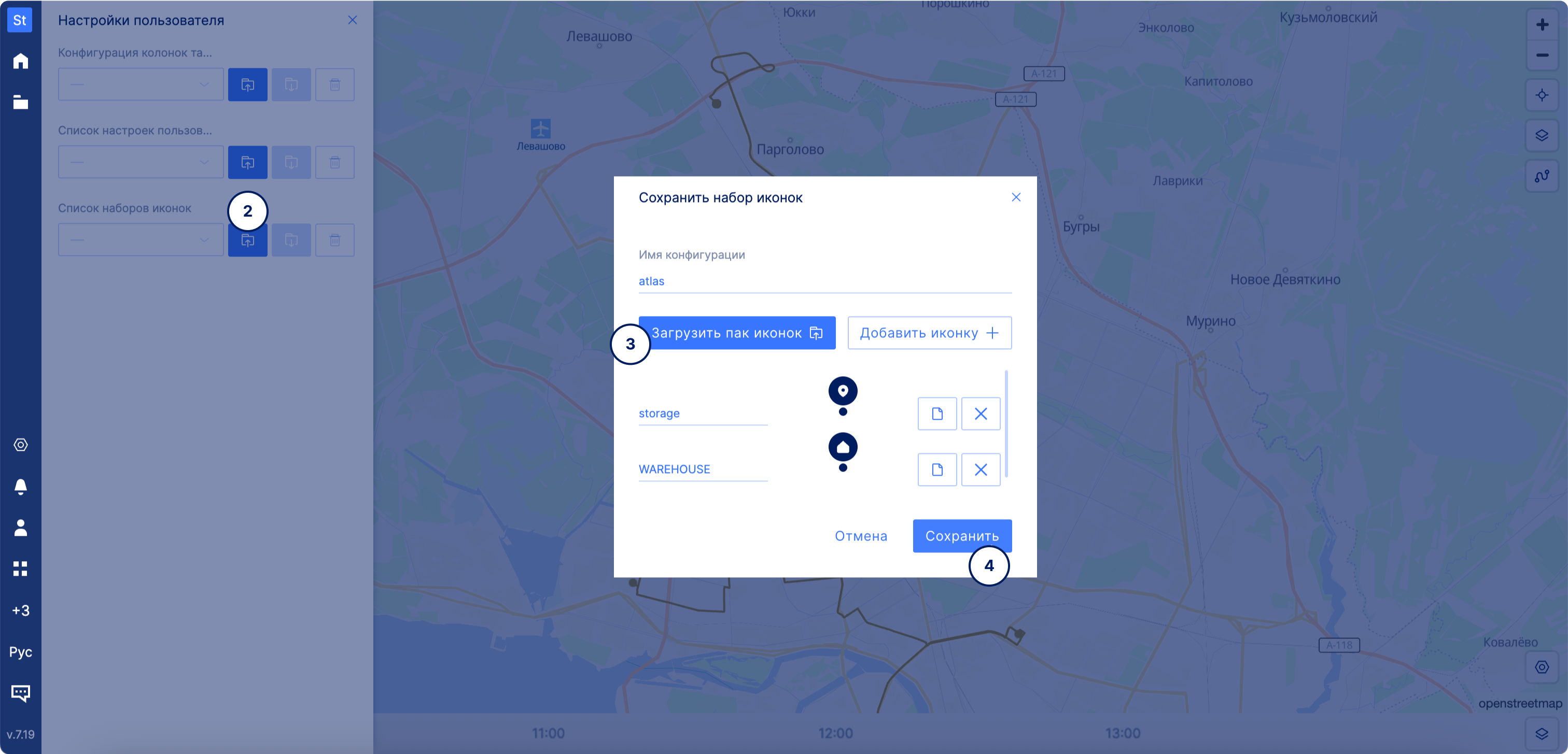
4. Upload the dataset
JSON example
Icon usage example.json
XLSX example
Icon usage example.xlsx